The Art of Collections™
Prep Course
Learn the basic skills you need to make a living as a surface designer
Everything you're learning here is the warm-up. Inside my signature program, The Art of Collections™, I take artists step-by-step through building commercially strong portfolios and pitching them to the brands and agents who actually license artwork.
The program opens for enrollment in August 2026. Since you're on the waitlist, you'll get first access when the doors open.
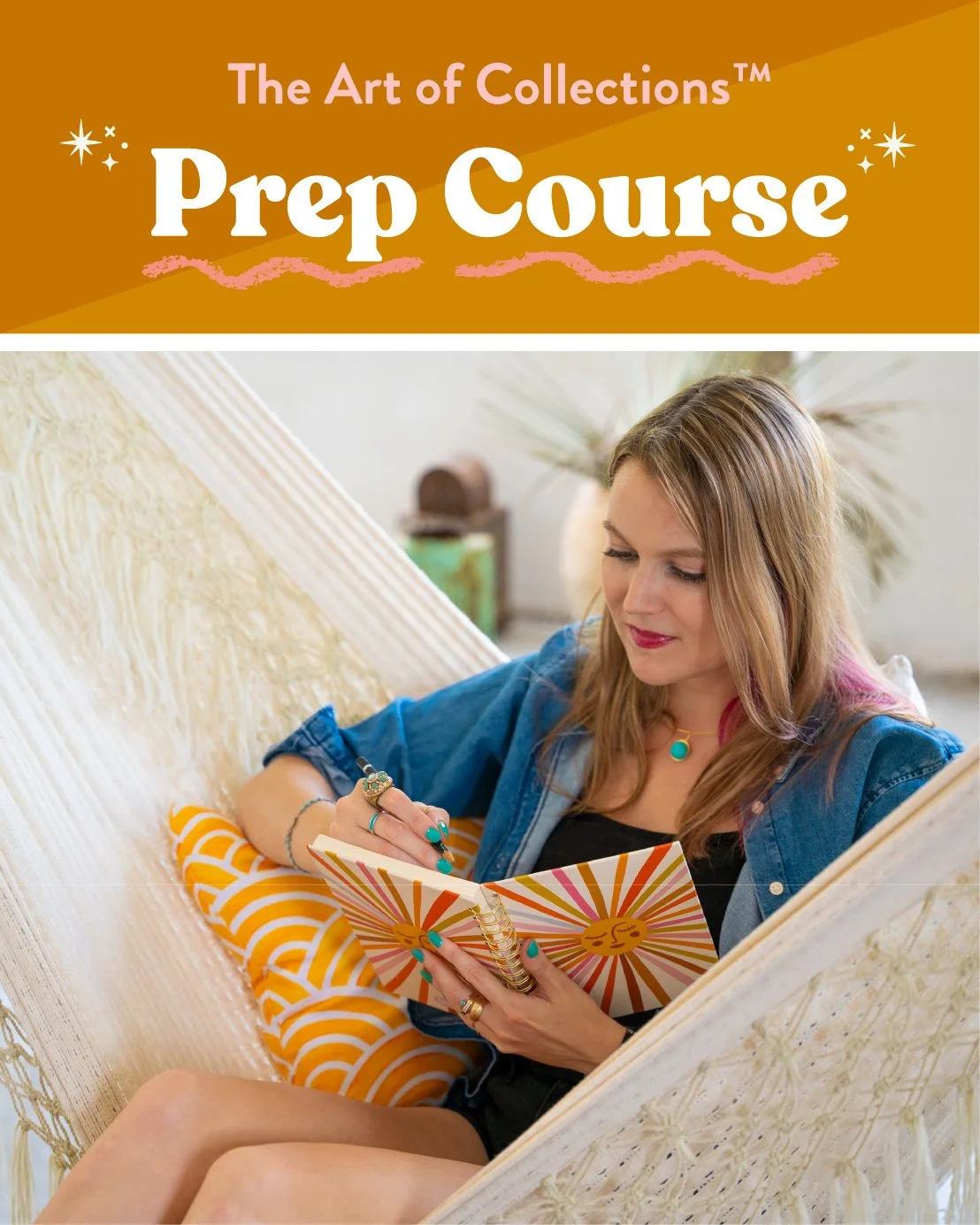
Hey, friend! 👋🏼
Welcome to your prep course hub. Think of this page as a free, self-paced crash course in the foundational skills every aspiring licensing artist needs in their toolkit.
You can work through it top to bottom, or jump to whatever you want to learn first. The blog posts, classes, and resources I'm sharing here are a great foundation if you want to make a career out of your art.
We go deeper into the business strategies of running an art business in my signature program, The Art of Collections™ — but you don't need to wait for the program to open to start building the foundational skills.
Pro tip: Start practicing now, and you'll be miles ahead when enrollment opens this August.

✨ Jump To What You Want to Learn! ✨
🎨 Skill #1:
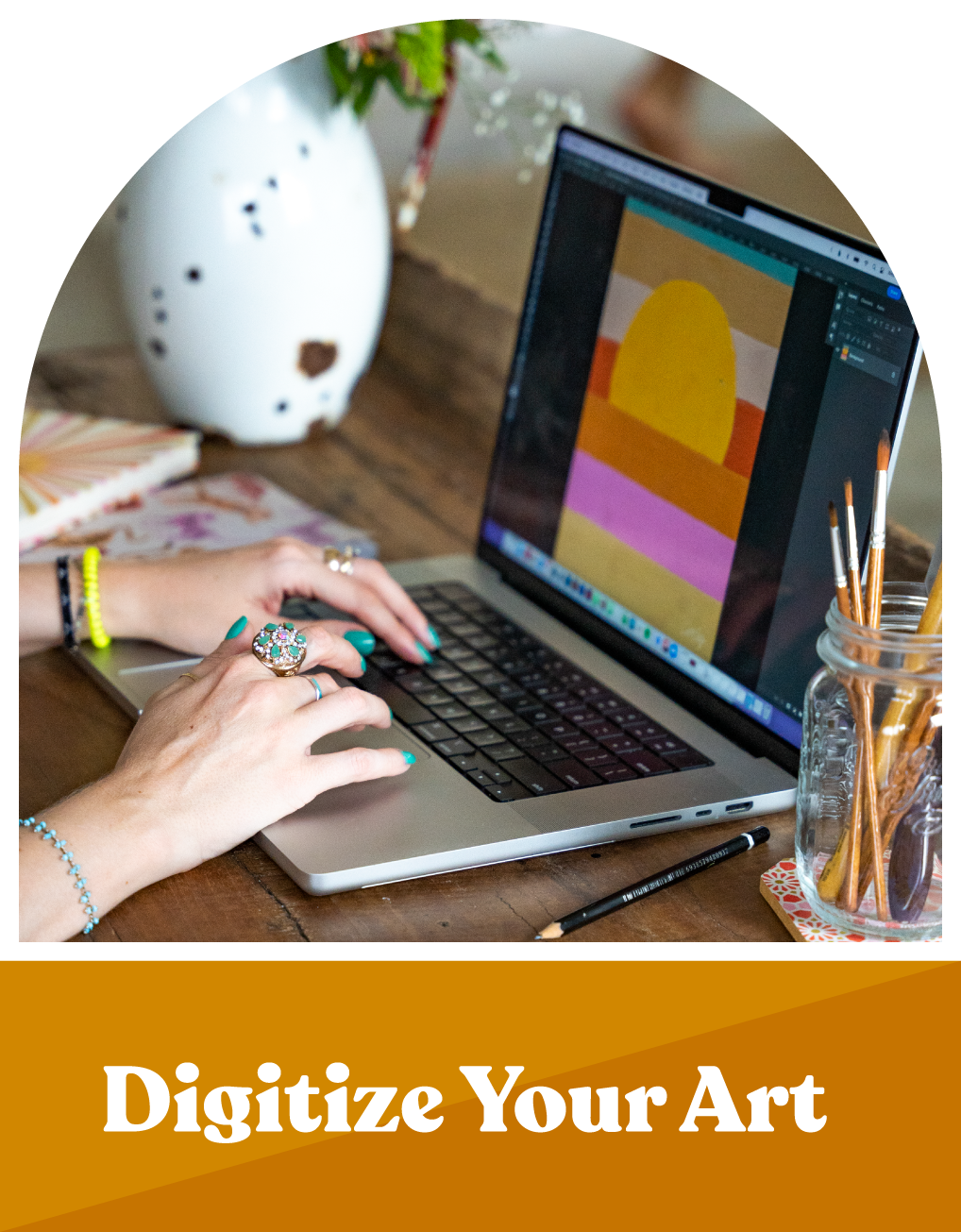
Digitize Your Art
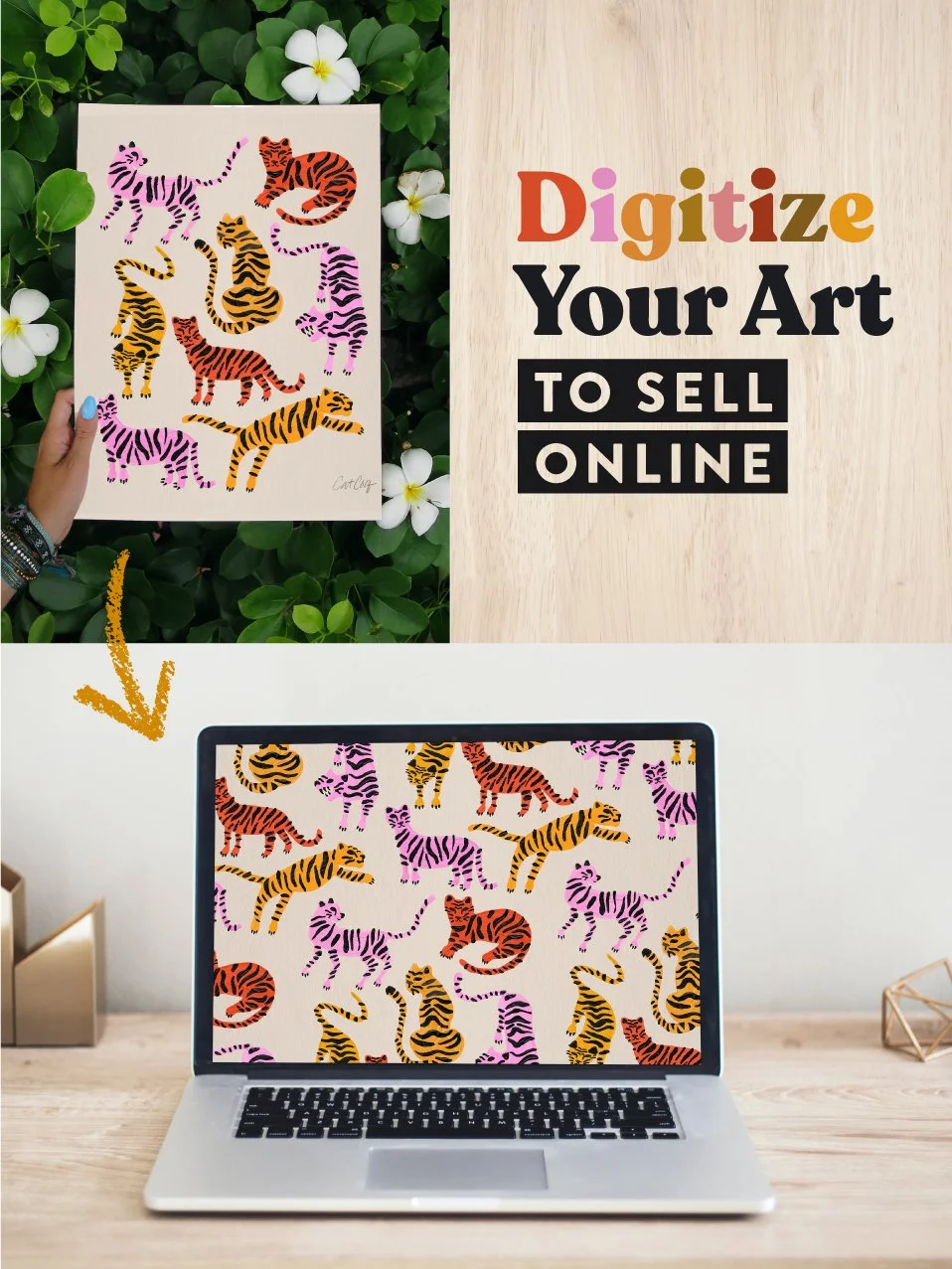
It doesn't matter how beautiful your art is if it can't be printed on a product. That's where digitizing comes in — taking your artwork and turning it into a clean, high-resolution file that a manufacturer can actually use.
When a company licenses your art, they might put it on a phone case. Or a king-size duvet. Or wallpaper. You never know what size product your art will end up on, so your files need to be big enough and sharp enough to work at any scale.
This is the foundation everything else is built on. Before you can pitch to brands, build a portfolio, or license a single piece, you need to know how to prep your files.
💡 Quick myth-buster:
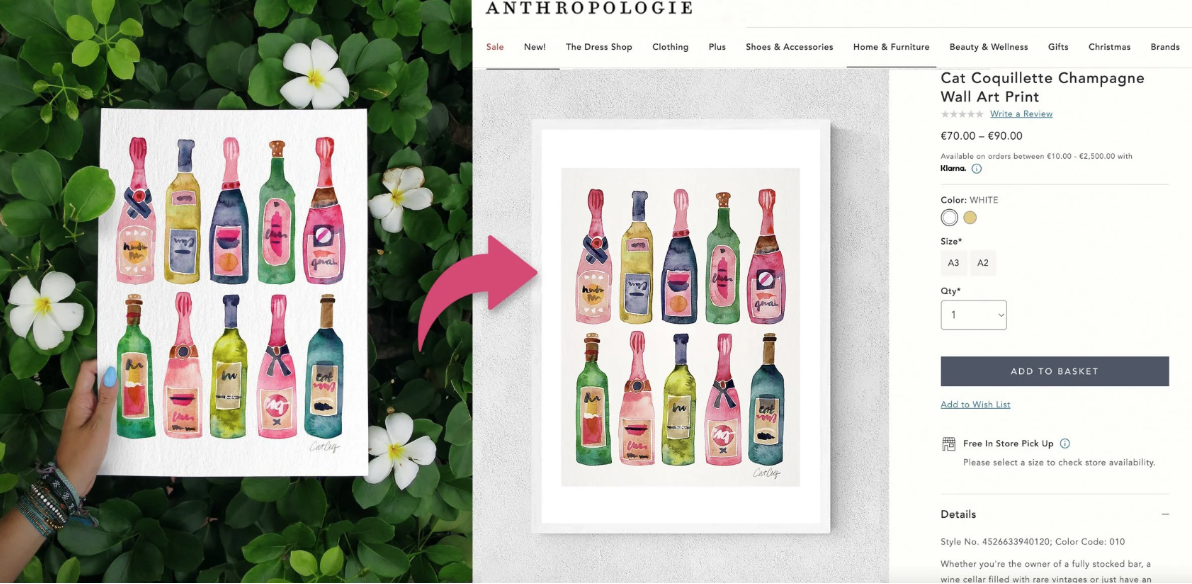
You don't need vector software like Adobe Illustrator to work in art licensing. Most of my licensing portfolio is made up of high-resolution layered Photoshop files. (Especially good news if you're an analog artist!)
📍 Start Here
3 free blog posts on digitizing techniques:
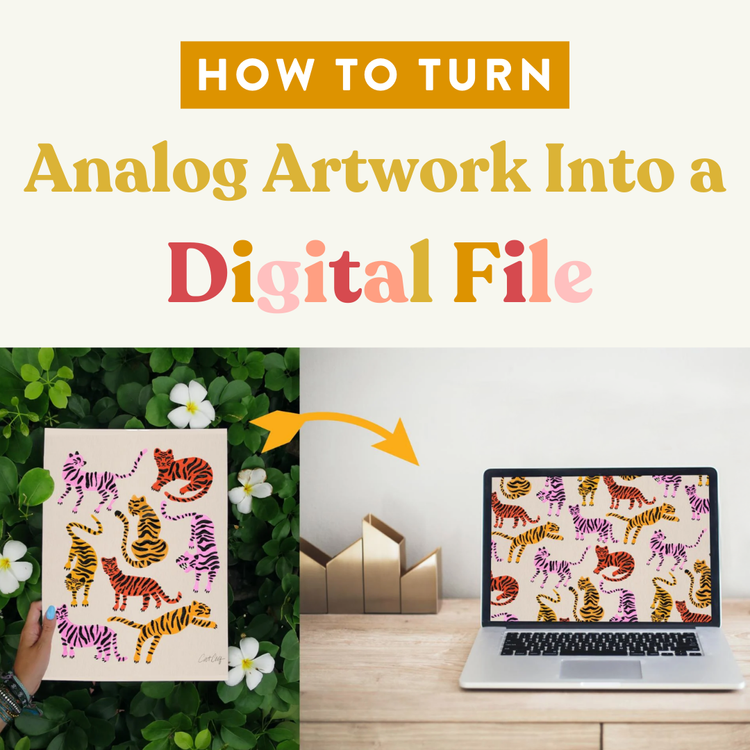
My step-by-step process for scanning and cleaning up traditional artwork.
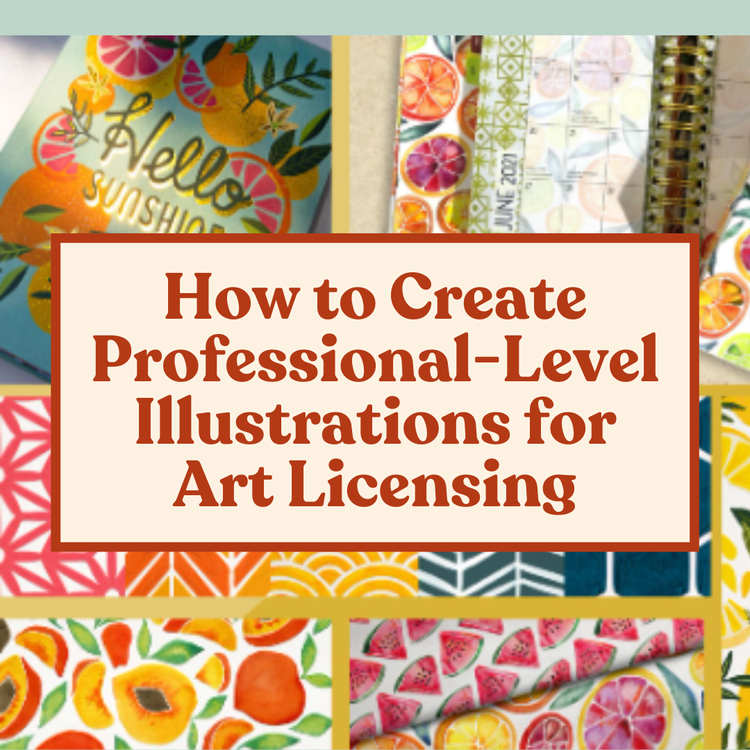
Learn what makes a file "licensing-ready" and the standards your work needs to meet.
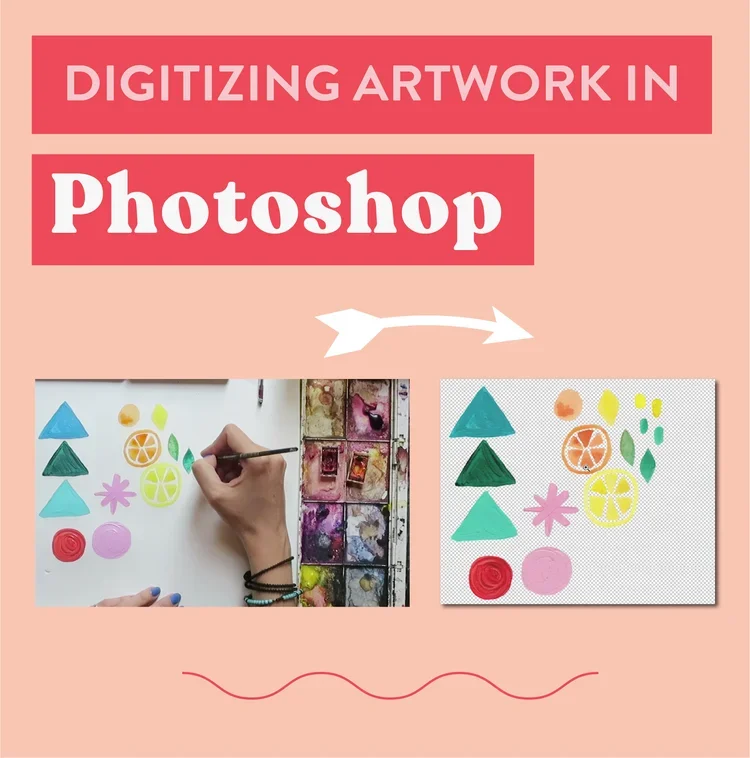
A basic walkthrough that's great for your first time.
📚 Go Deeper
Watch my class on digitizing your art:
If you want the full click-by-click walkthrough of my entire digitization workflow — scanning, color-correcting, organizing layers, and creating large-scale files — that's what this class is for. It's the class I wish I'd had when I was figuring all of this out on my own.
You can watch it on Skillshare or get lifetime access by purchasing through my website.
💠 Skill #2:
Seamless Patterns
The skill that unlocks the most profitable categories in art licensing
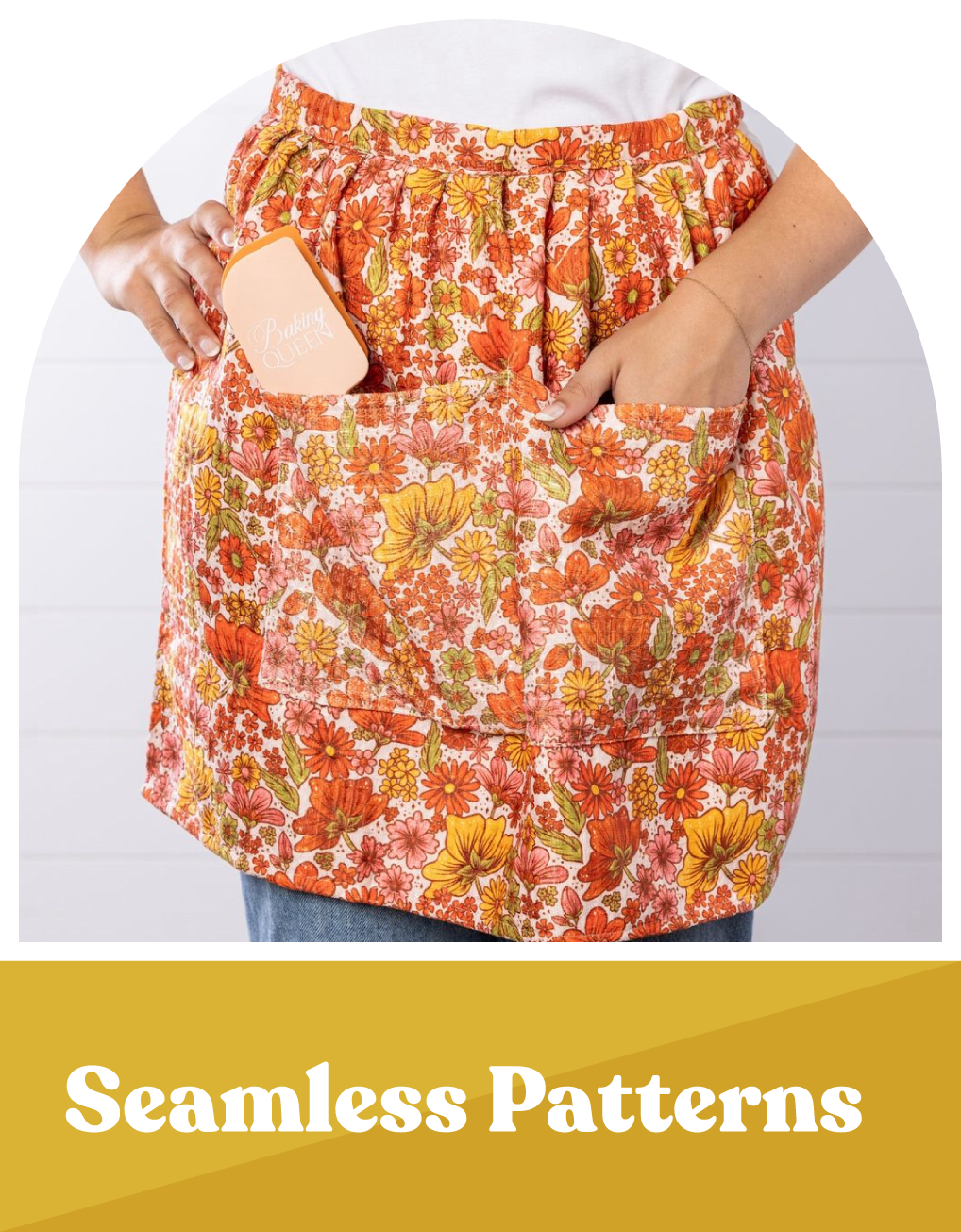
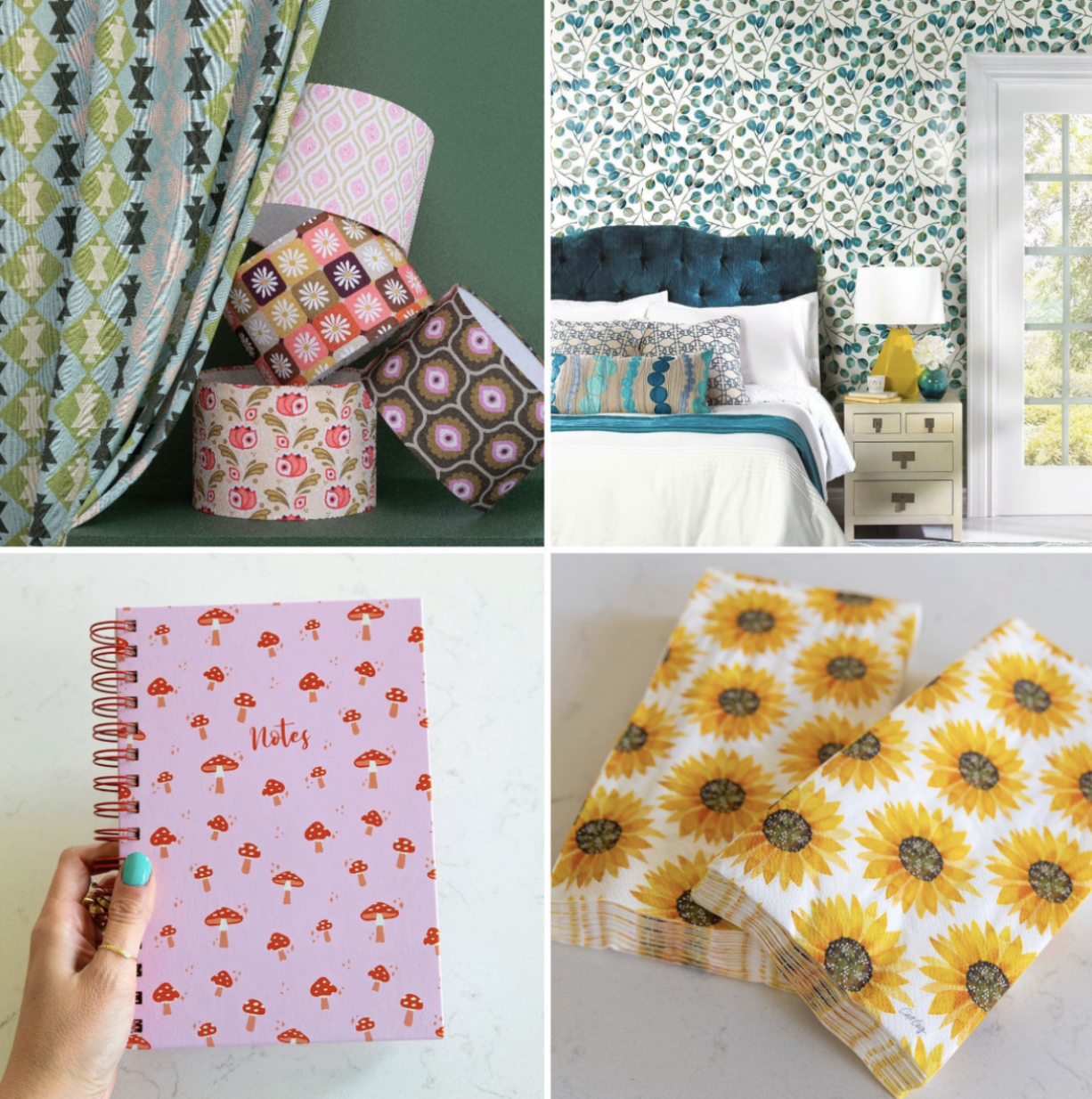
A seamless pattern is a design that tiles perfectly in every direction with no visible edges. Think wallpaper, fabric, gift wrap, apparel, bedding — if your art can't tile seamlessly, you simply can't sell into those categories. And those happen to be some of the most profitable in the entire licensing world.
The good news? Pattern-making is way easier to learn than you'd think. I put it off for years because I assumed it would be super technical. It wasn't. And if you already have existing artwork, you can repurpose those designs into patterns so you're not starting from scratch.
📍 Start Here
2 free blog posts on seamless pattern making:
Learn my technique for creating a seamless pattern using just your iPad in Procreate
Learn how to make a seamless pattern with Pattern Preview in Photoshop
📚 Go Deeper
Watch my classes on seamless pattern making:
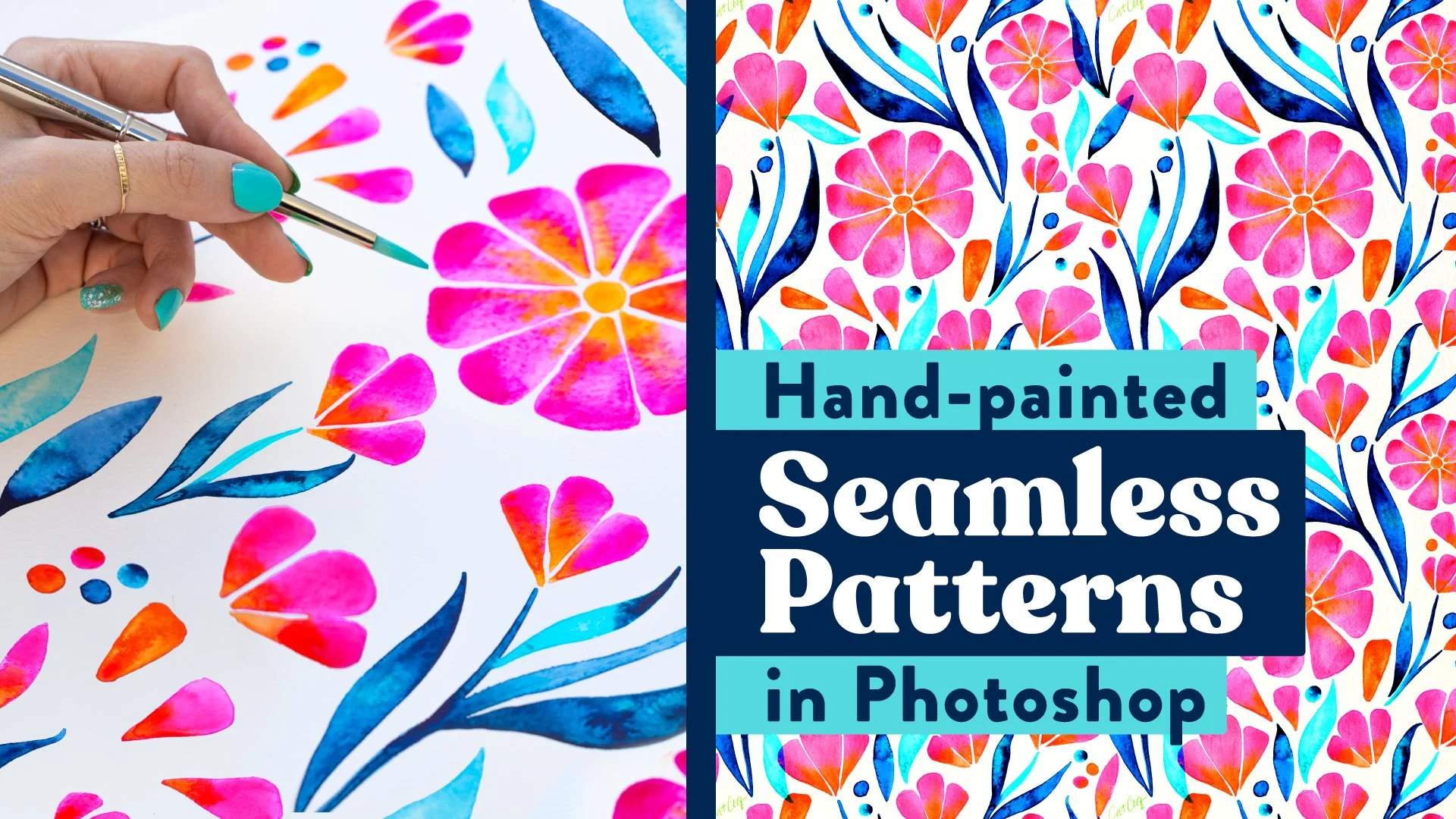
This is the method I personally use to create my licensed patterns, and Photoshop's Pattern Preview feature makes the whole process so much more intuitive than it used to be. If you want to learn the exact workflow I use to build professional repeat patterns that land on real products, this is the class for you.
You can watch it on Skillshare or get lifetime access by purchasing through my website.
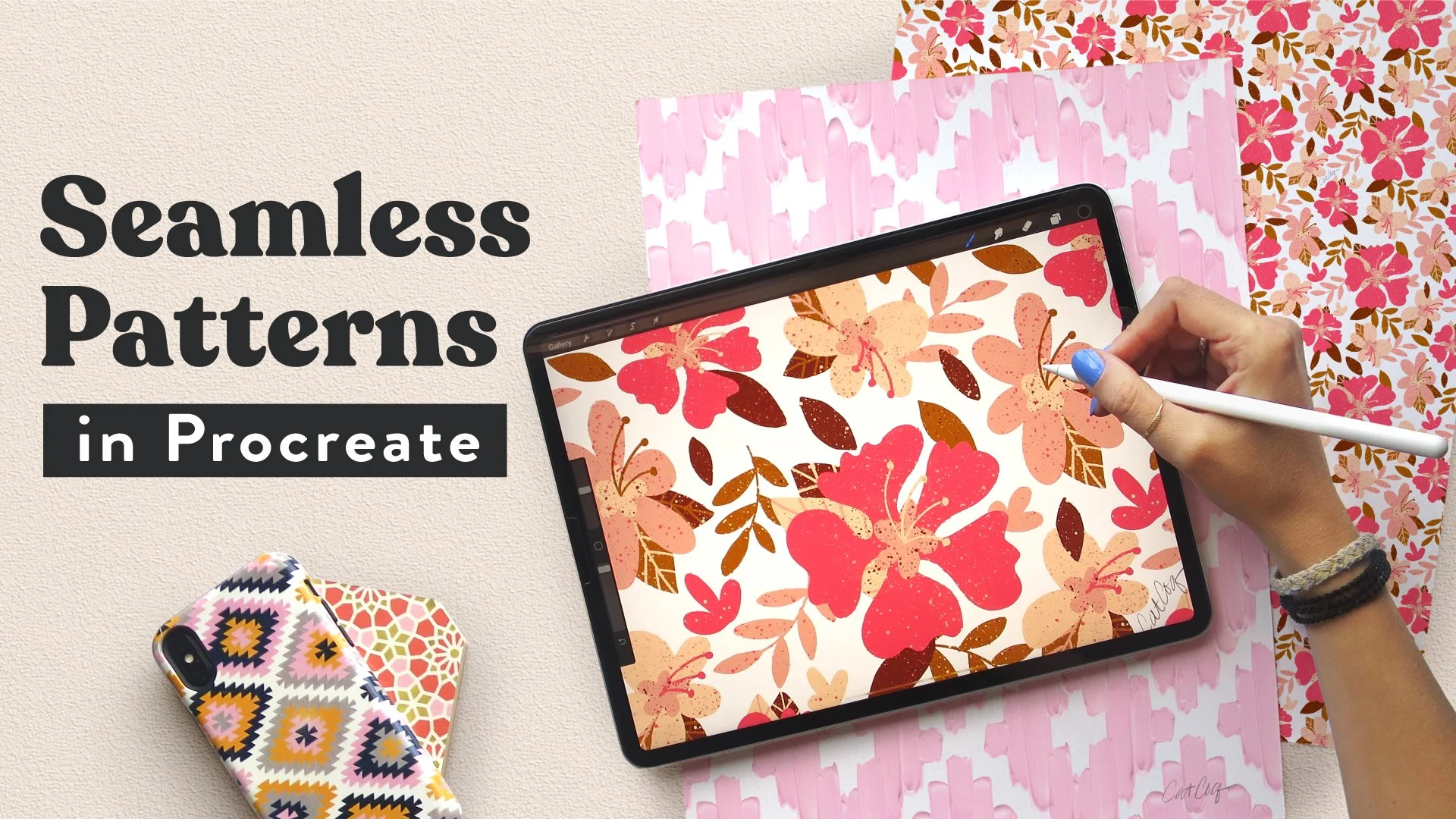
If the idea of a monthly software subscription makes you cringe, Procreate is your answer. An Apple Pencil makes the experience even better, but you can get started with just your finger. This class walks you through how to build professional repeat patterns entirely within the app, no laptop required.
You can watch it on Skillshare or get lifetime access by purchasing through my website.
✍️ Skill #3:
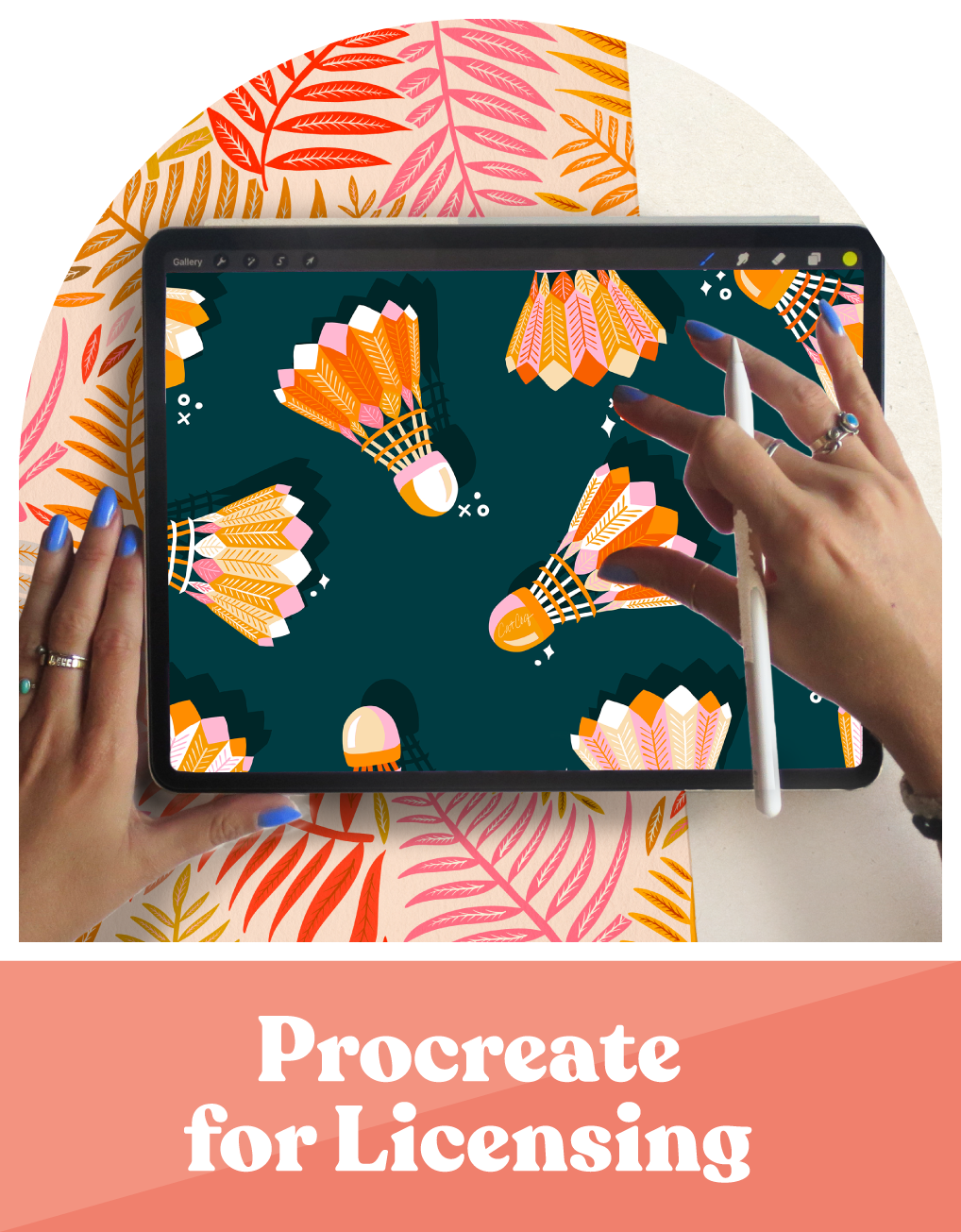
Procreate for Licensing
My go-to tool for making licensing-ready illustrations fast.
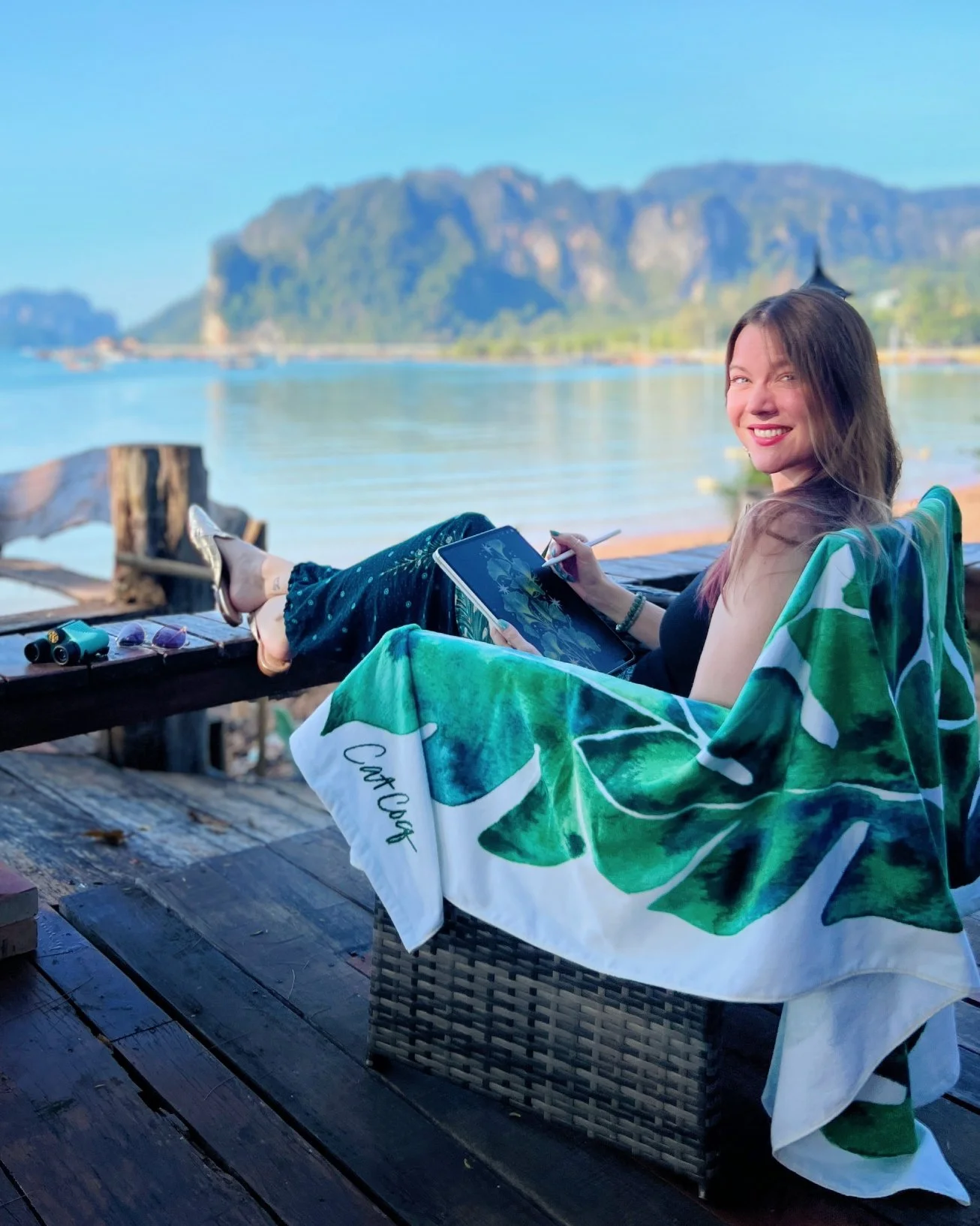
I travel full-time. I've drawn on planes, in little beach bungalows in Thailand, and in my favorite cafes in Chiang Mai. And some of the art I've created in those exact moments has gone on to earn me thousands of dollars in licensing royalties.
You can absolutely create professional, licensing-quality artwork using just Procreate. You don't need a fancy desktop setup or expensive software subscriptions to build a career in surface design.
☀️ Quick Storytime:
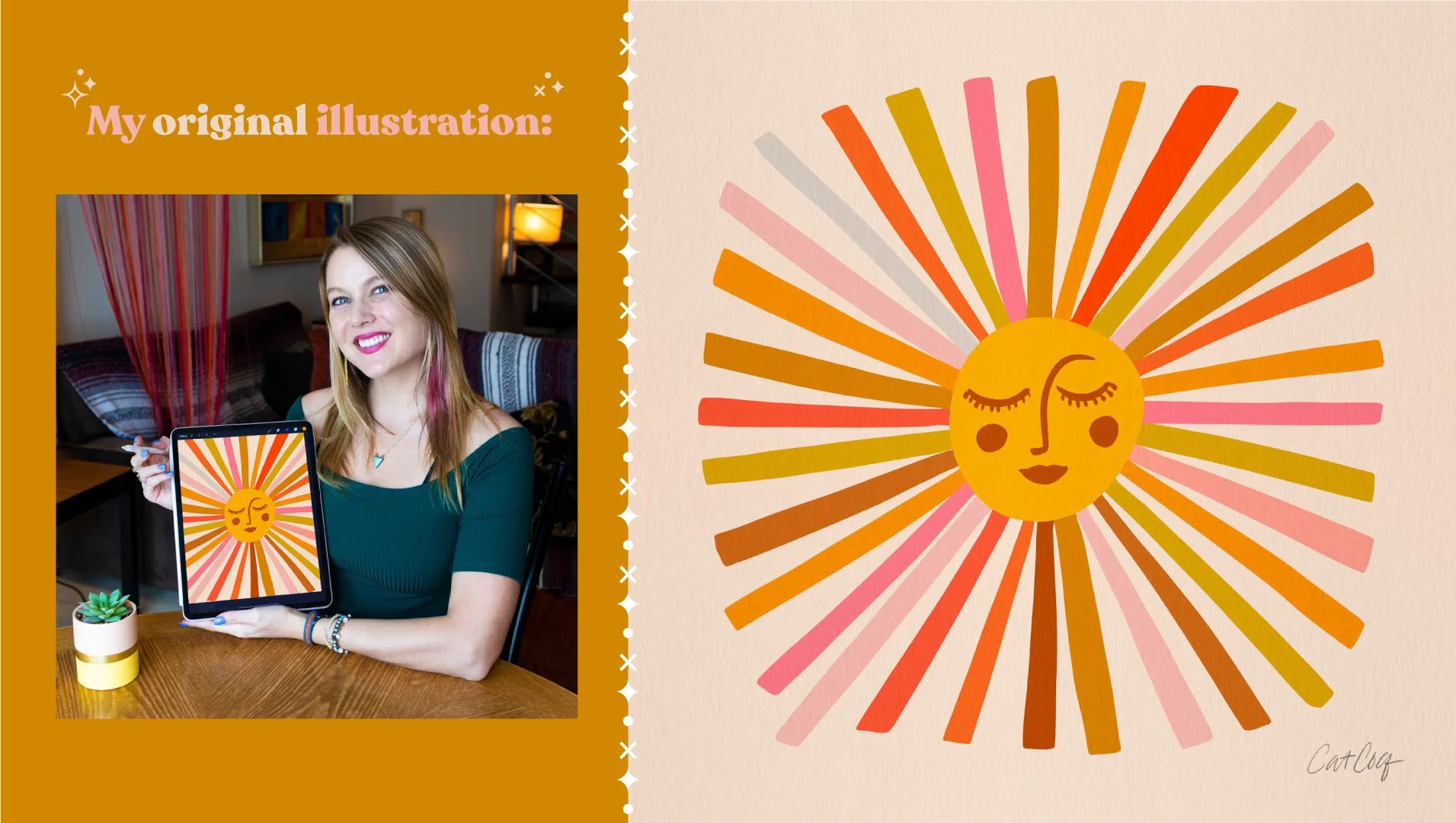
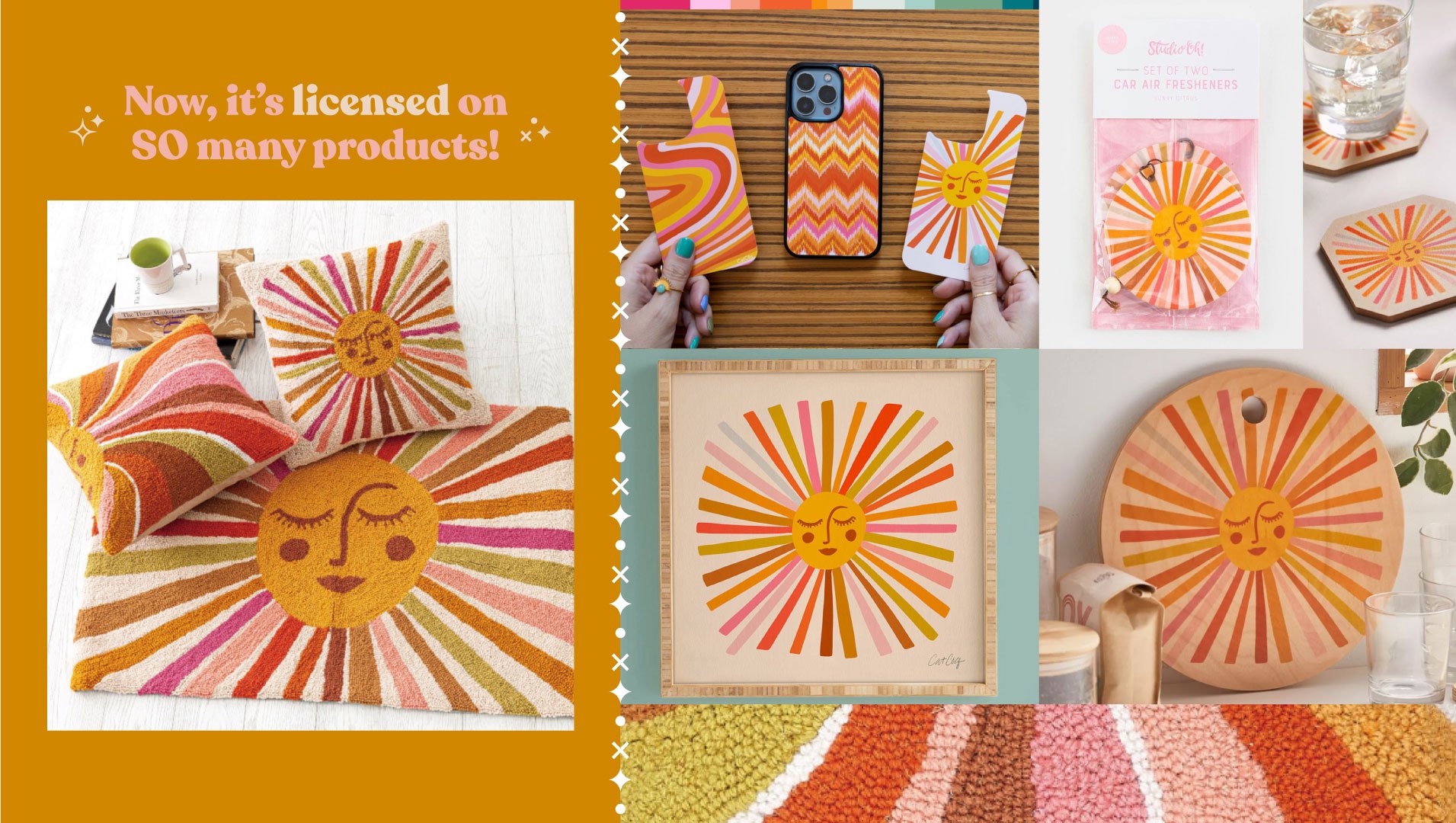
I drew a sun illustration on my iPad in about an hour, originally for my sis-in-law's baby shower invites. On a whim, I added it to my licensing portfolio — and it became my best-selling design three years running. Tens of thousands of dollars from a one-hour Procreate drawing session.
📍 Start Here
I have a ton of Procreate tutorials on my blog. Browse them all here.
But if you're just getting started, these are the foundations:
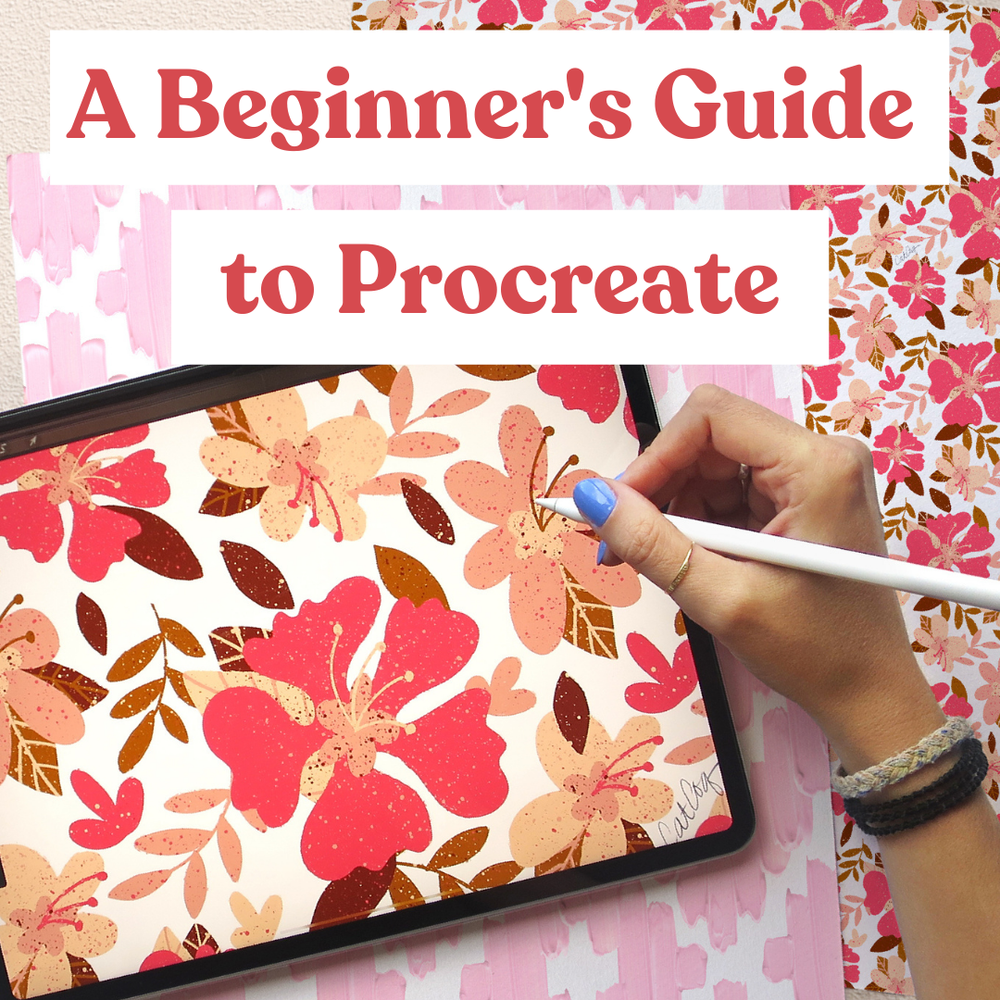
The Ultimate Beginner's Guide to Procreate — Part 1
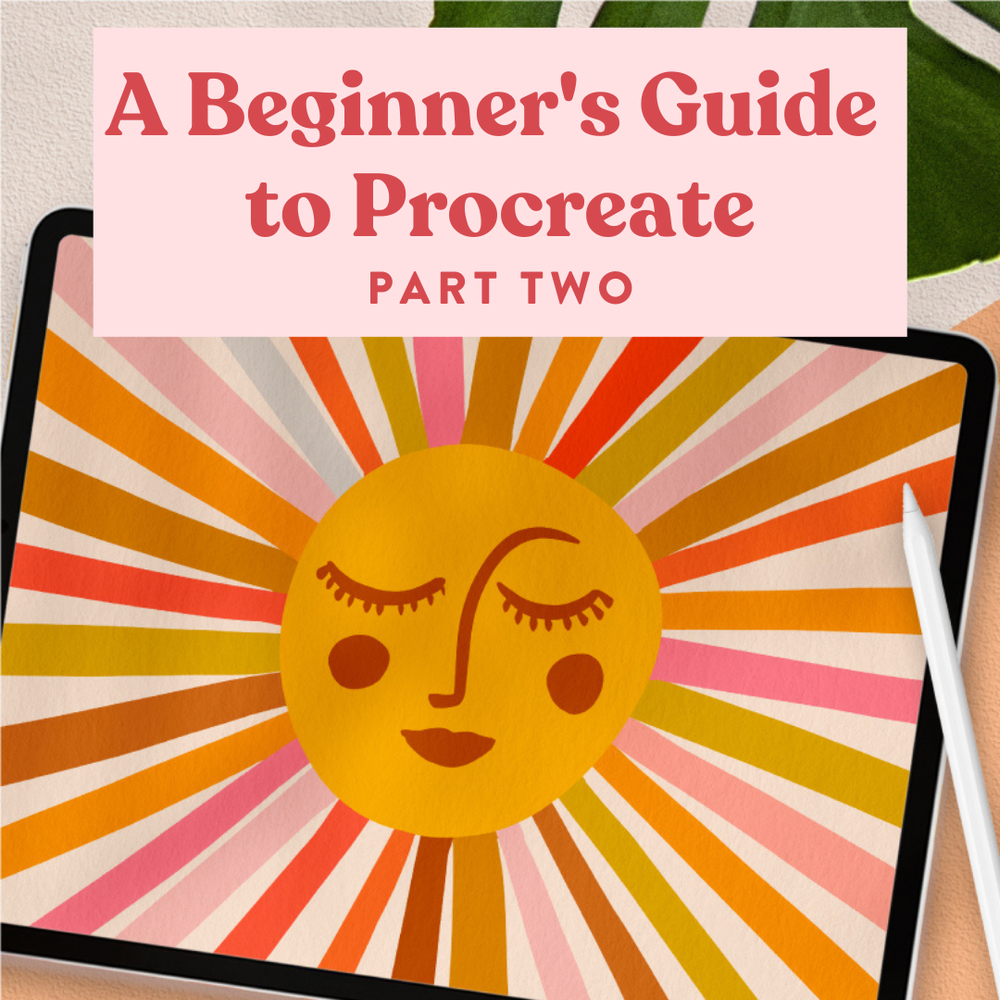
The Ultimate Beginner's Guide to Procreate — Part 2
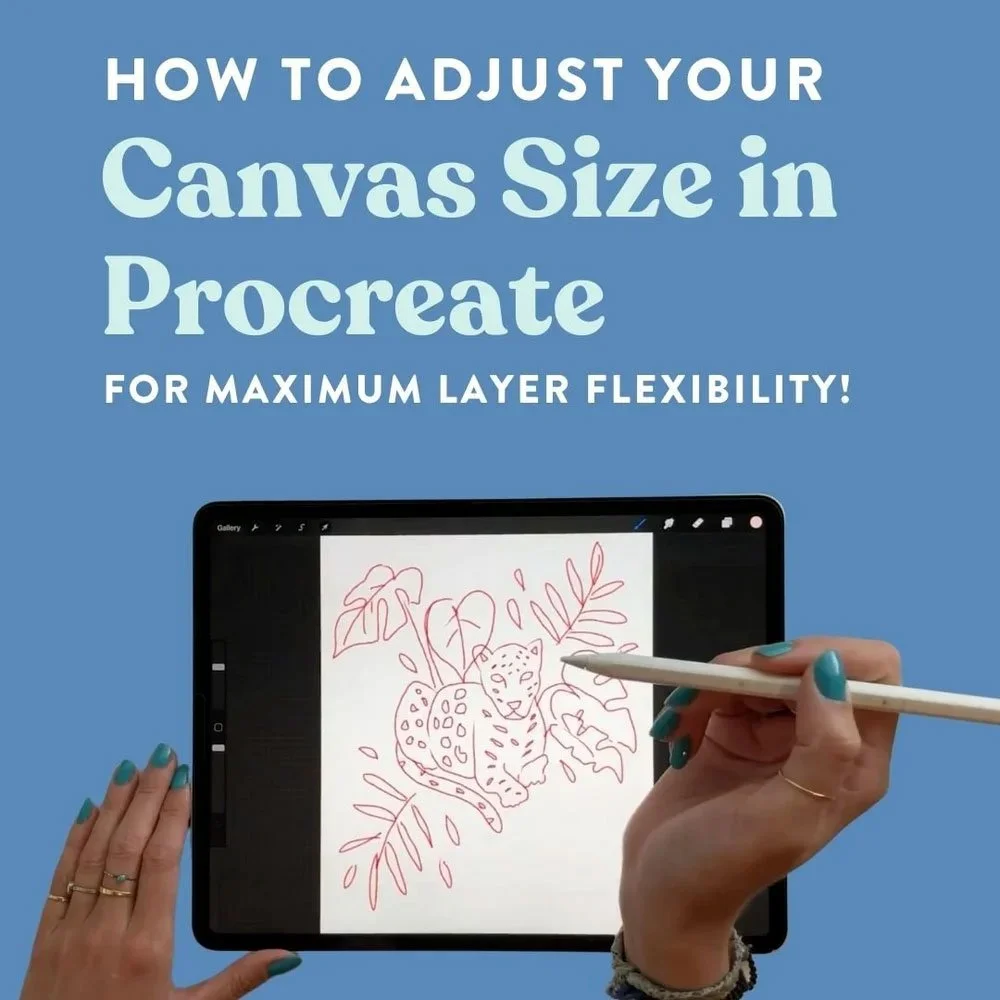
(Especially important for creating files large enough for licensing.)
📚 Go Deeper
Want me to hold your hand every step of the way? These three classes will take you from "I've never opened Procreate" to "I'm creating licensing-ready illustrations on my iPad.”
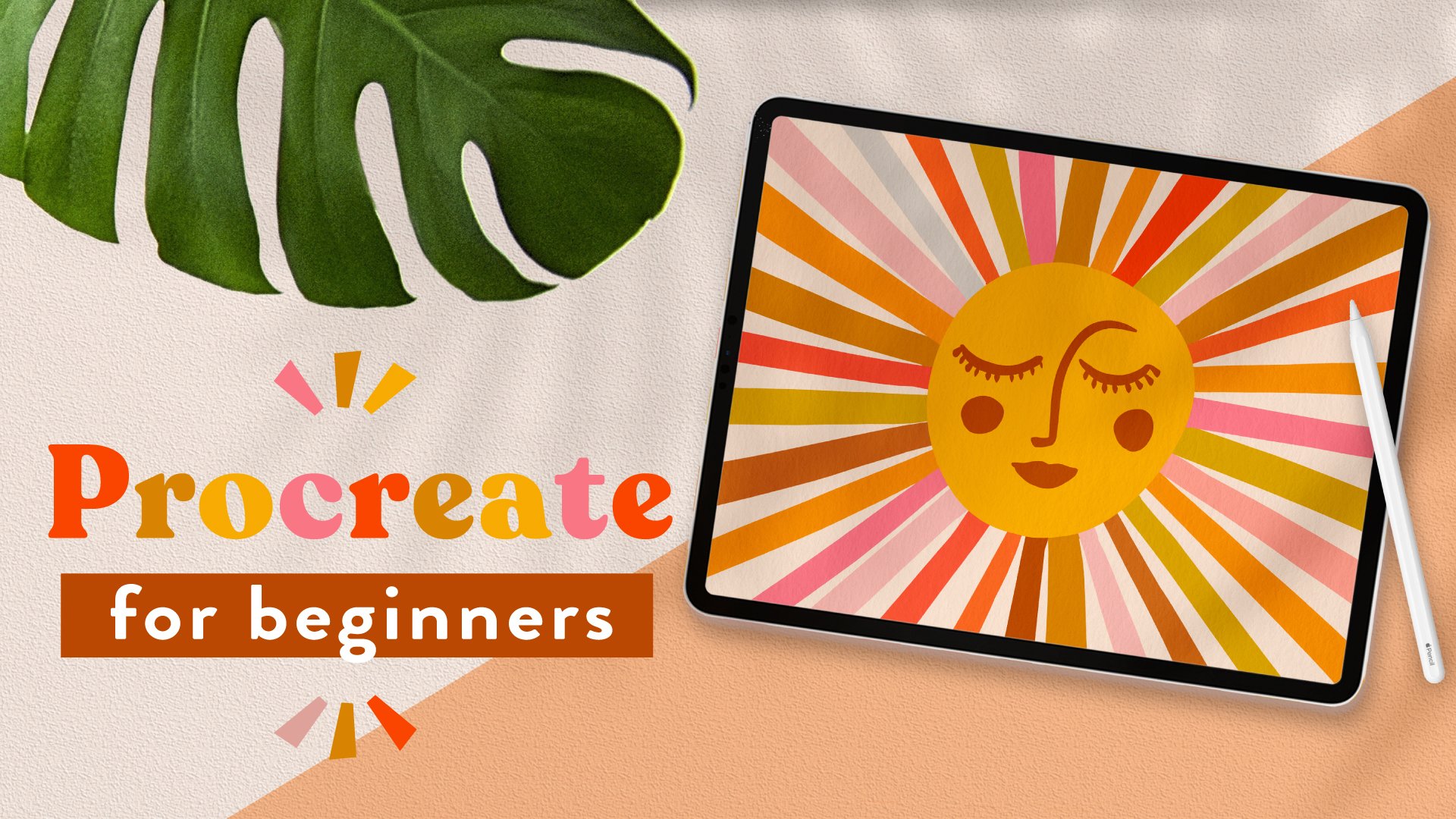
☀️ Procreate for Beginners – Start here if you've never used Procreate before. This class walks you through the fundamentals by building five real illustrations, so you're learning the tools in context rather than just memorizing menus.
You can Watch on Skillshare or get lifetime access by purchasing through my website.
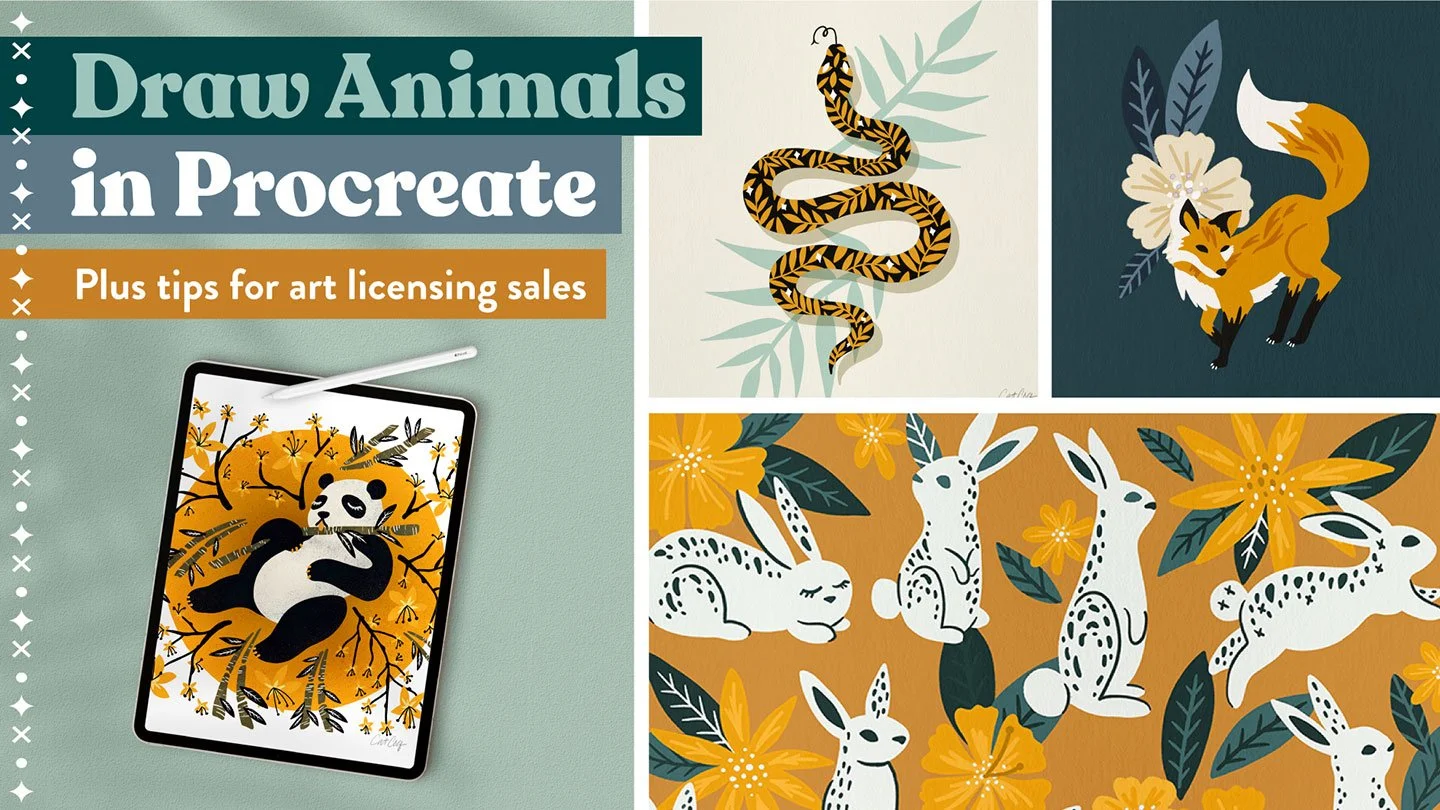
🦋 Drawing Animals in Procreate (The Licensing Class) – This one goes beyond the drawing itself and covers art licensing trends, composition, and how to create a trend-forward animal illustration from scratch.
You can Watch on Skillshare or get lifetime access by purchasing through my website.
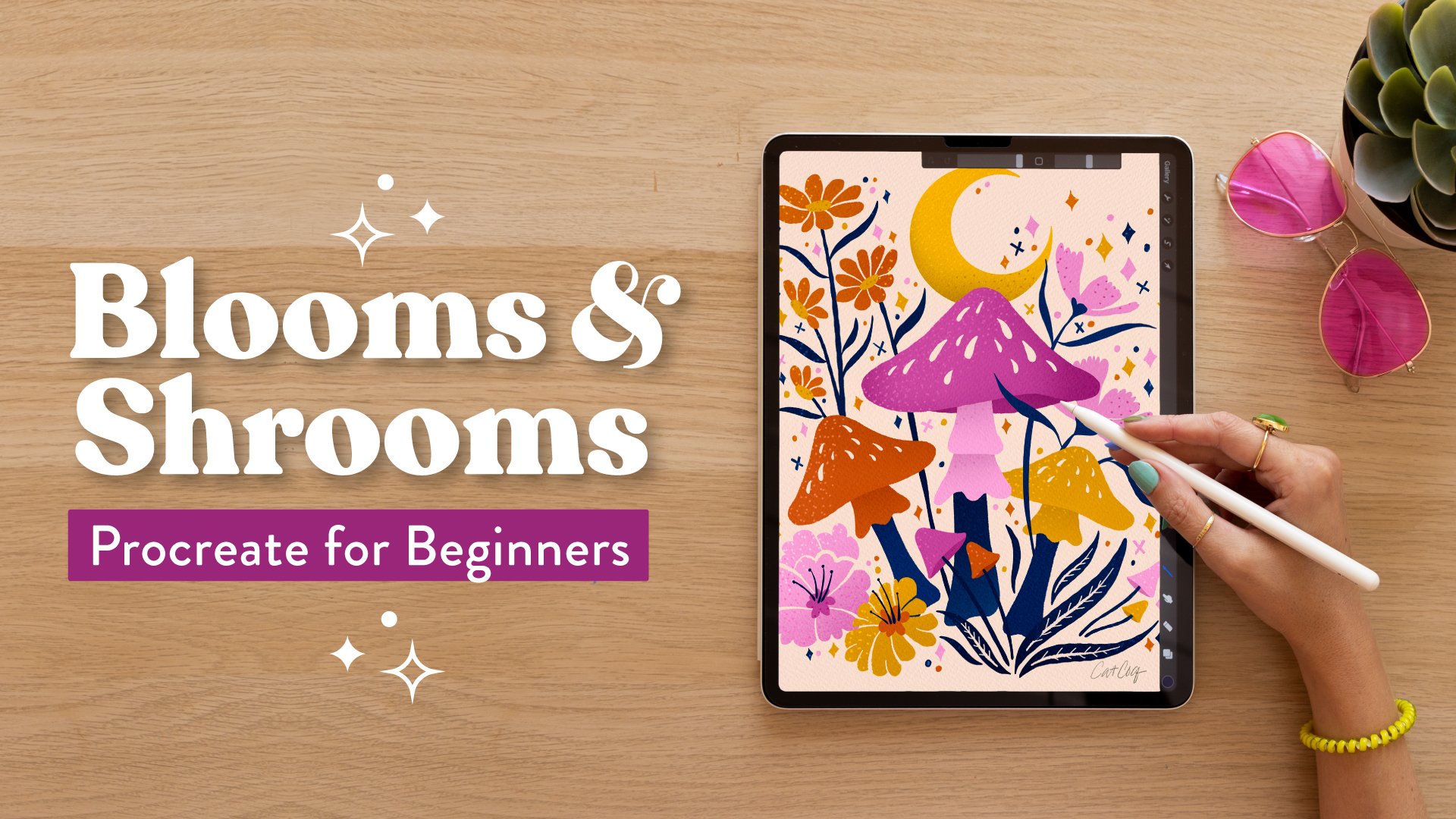
🍄 Blooms & Shrooms – Learn my full process for creating professional-level illustrations in Procreate (including how I work around the layer limits!) through a fun, step-by-step floral and mushroom project.
You can watch it on Skillshare or get lifetime access by purchasing through my website.
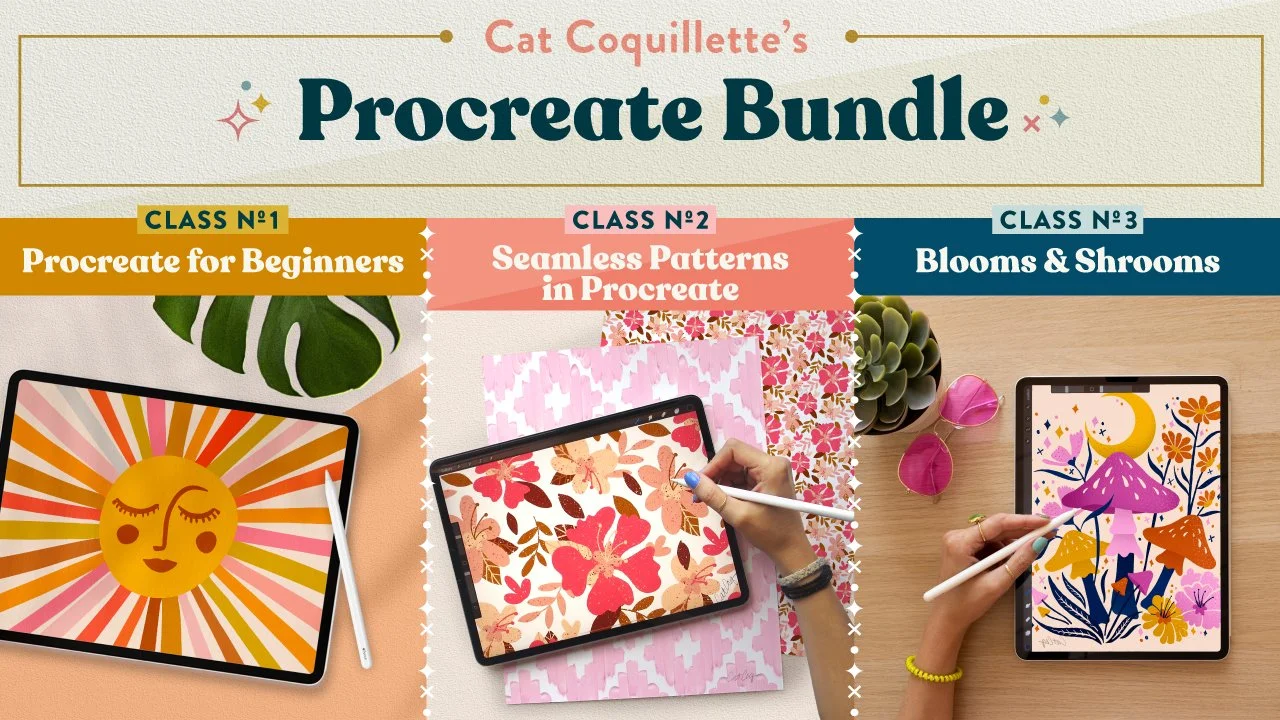
🤑 Bundle & save! – This bundle unlocks access to three of my most popular Procreate classes. This is a complete Procreate curriculum that will take you from beginner to surface design professional, even if you’ve never used the app before!
Access the Procreate Bundle for only $97 (Total value $338)
🎨 Skill #4:
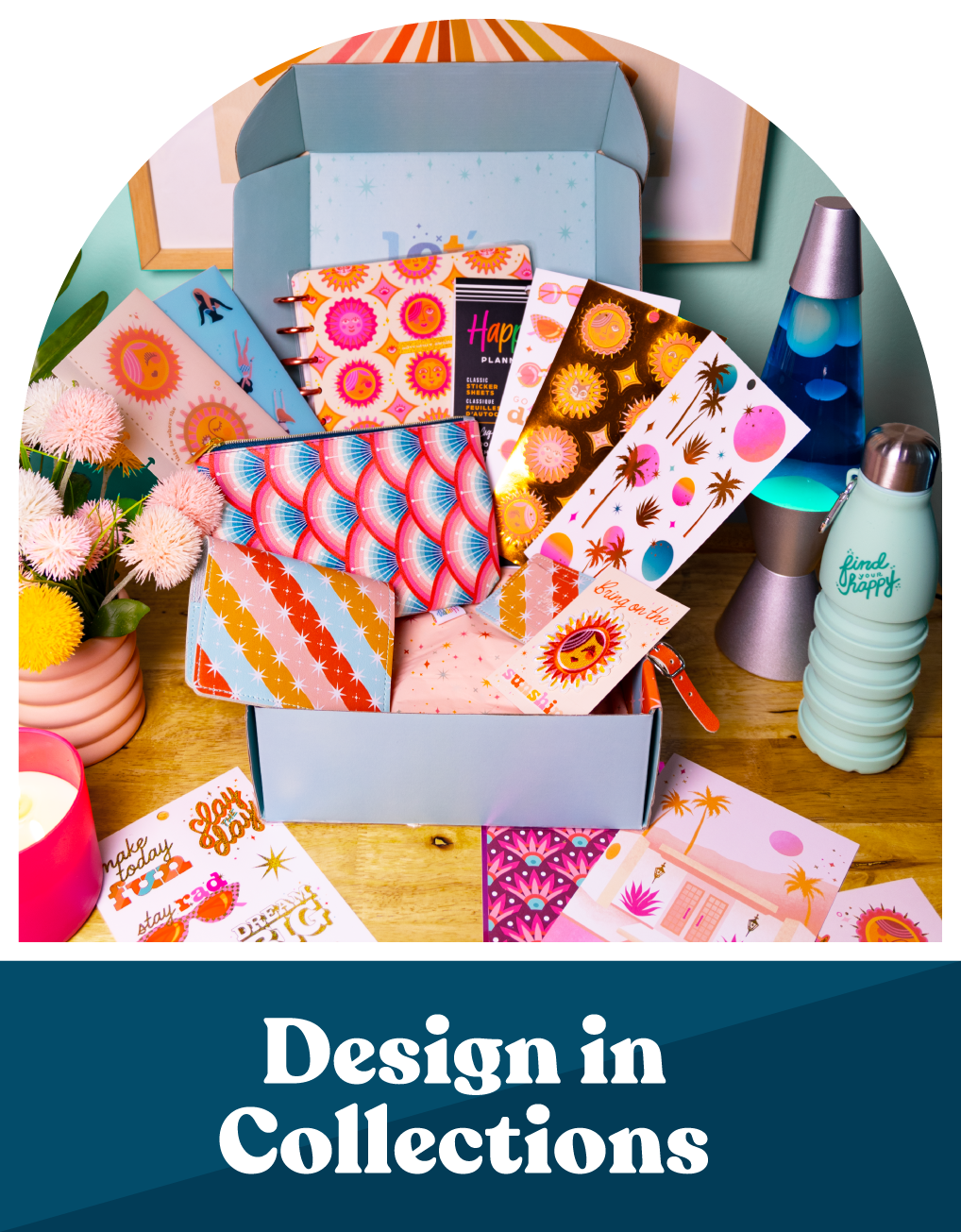
Designing in Collections
The first three skills are foundational, but they alone won't land you licensing deals. The next step is learning how to present your art in a way that makes brands say yes.
And that comes down to designing collections.
Brands are looking for three things:
Trend-forward artwork
Multiple pieces around a central theme
Cohesion in color and style
Check out these blog posts to get started!
→ How to Plan a Collection for Surface Design and Art Licensing
→ How to Create a Mini Collection for Surface Design
→ How to Design Blender Patterns for Surface Design Collections
🌟 Free Mini Collection Challenge
I'll be running a free week-long mini collection challenge July 14th - August 4th where you can create your first (or next!) collection alongside other artists with tips, resources, and lessons from me. Keep an eye on your inbox for the prompts or head to the challenge hub to catch up!
What’s Next?
Everything you're learning here is the warm-up. Inside my flagship program, The Art of Collections™, I take artists step-by-step through building commercially strong portfolios and pitching them to the brands and agents who actually license artwork.
The program opens for enrollment August 11, 2026 and only runs twice a year. Since you're on the waitlist, you'll get first access when the doors open.